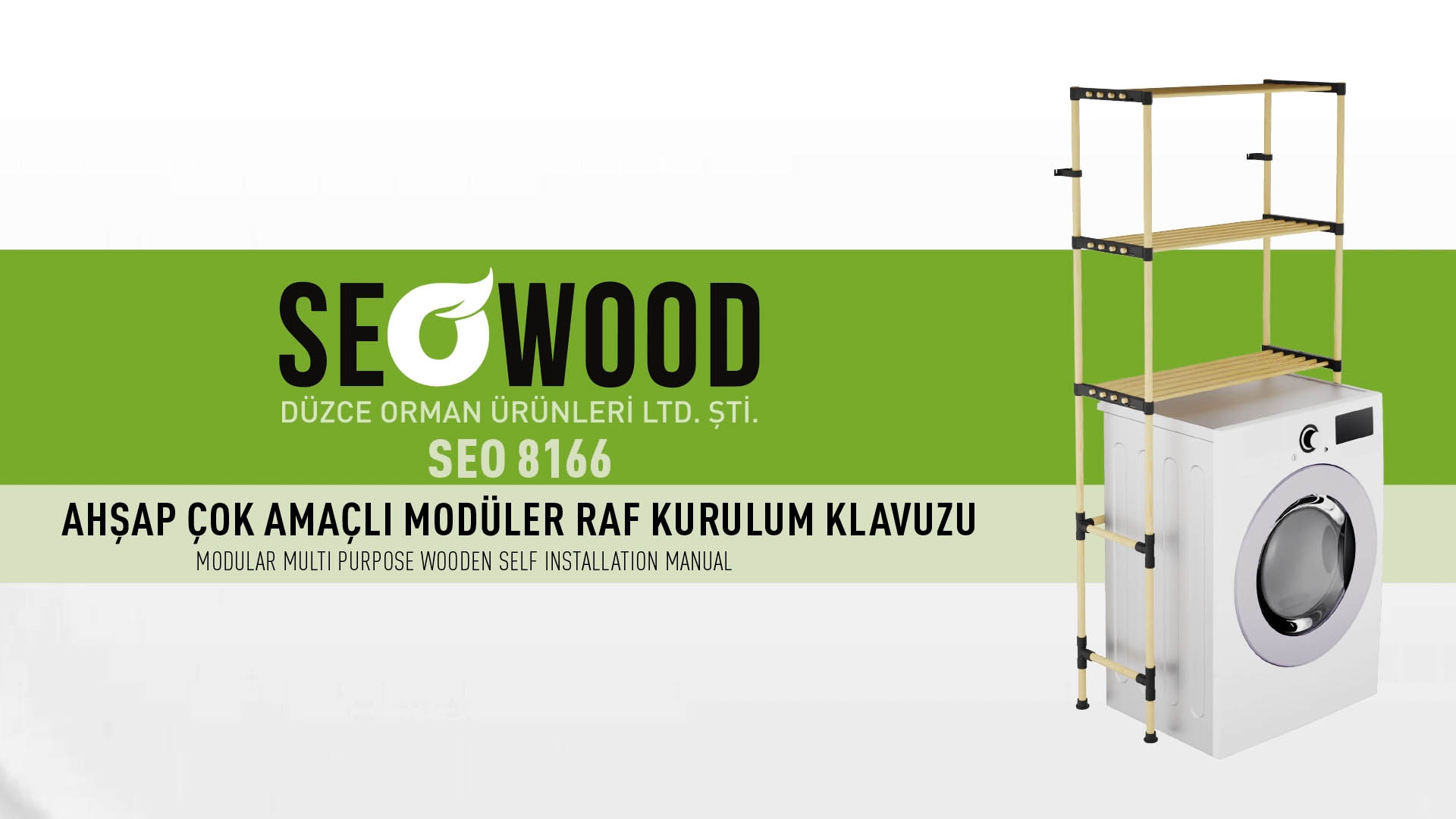
For self-assembly furniture, installation is part of the product experience. Customers judge difficulty before they buy and judge the brand again when the carton arrives. A clear 3D setup animation supports both moments: it reduces uncertainty on the product page and prevents mistakes during assembly.
The purchase barrier is often assembly anxiety
Shoppers may like a table, shelf or display system but hesitate because they cannot tell whether assembly will be difficult, what tools are needed or whether two people are required. Product photography cannot answer those questions efficiently.
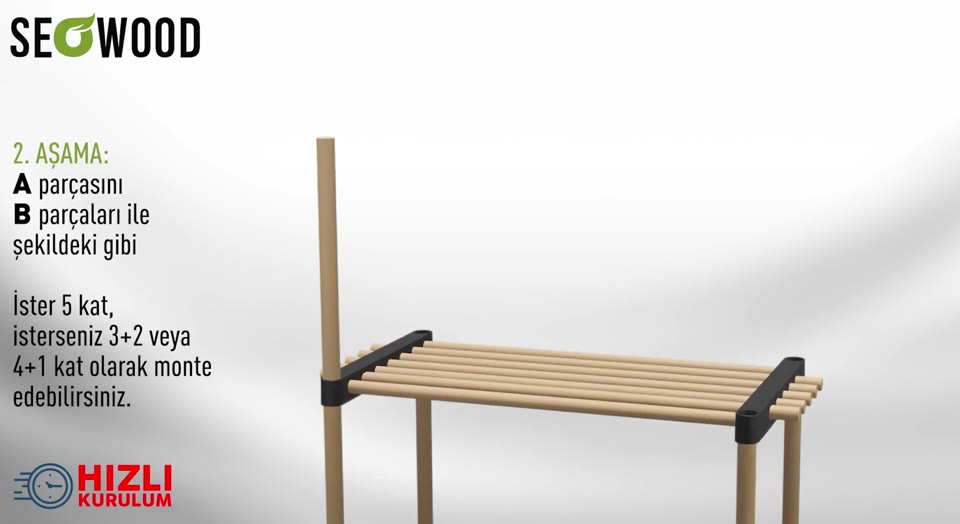
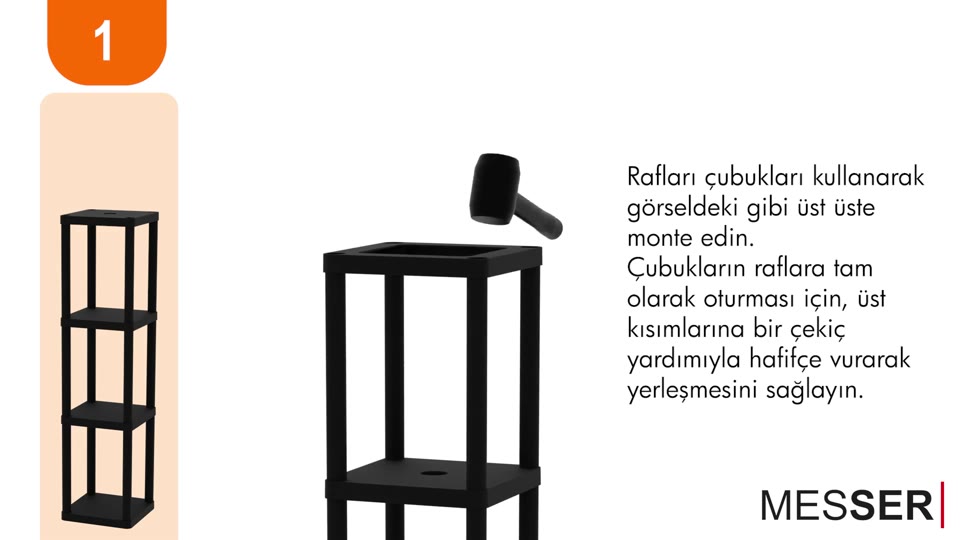
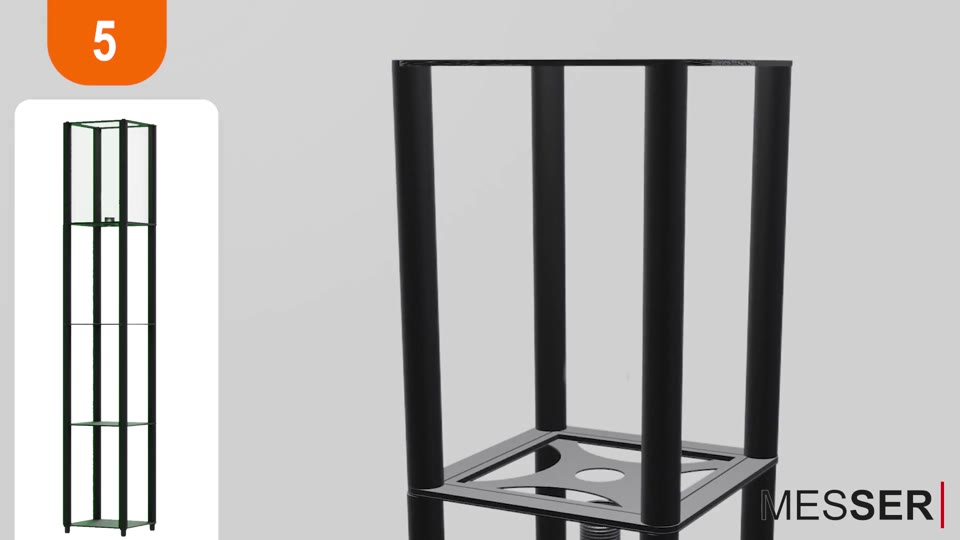
A short furniture setup animation makes the process visible before purchase. Showing the number of steps, tools and estimated setup time turns an unknown risk into a manageable task.
One animation, two jobs
On an e-commerce page, the video helps conversion by demonstrating scale, movement and ease of assembly. After delivery, the same visual becomes a support tool accessed through a QR code on the box or designed guide.
The customer should not see two conflicting versions. Product-page video, designed instructions and post-purchase animation should share the same part codes, camera logic and step order.
What a useful setup animation should show
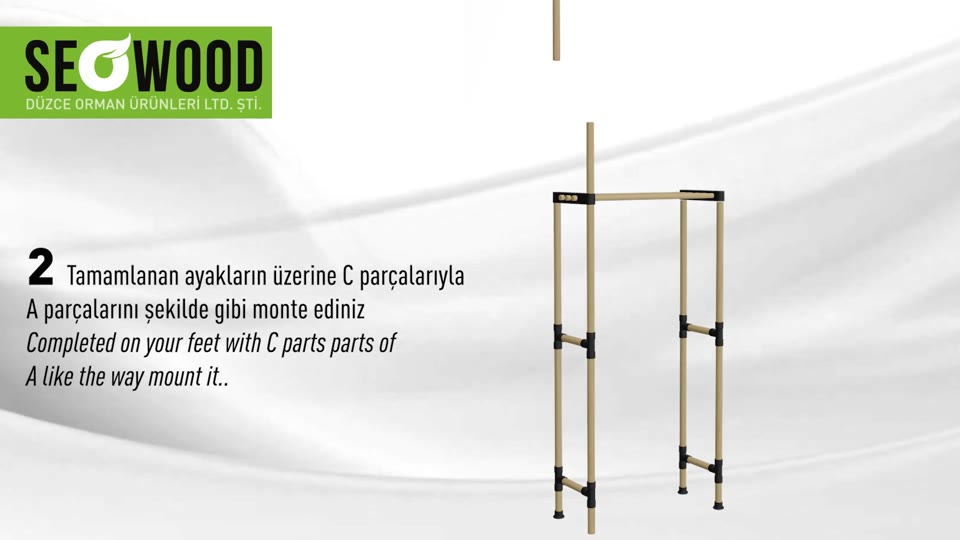
A practical animation identifies every part before assembly, highlights connection points, shows tool direction and tightening order, and pauses at moments where orientation matters. Decorative motion should never obscure a functional step.
For mobile use, labels must remain readable on a small screen and the sequence should work without sound. Captions can support accessibility and international customers.
Packaging and animation must be planned together
The order of parts inside the box affects whether the animated instructions are easy to follow. Ideally, the first part needed should be accessible first, and hardware bags should be grouped by step. If transport protection requires a different packing order, inserts and dividers can separate heavy panels from the accessible instruction layer.
QR placement also matters. It should be visible before the customer empties the box, remain scannable after shipping and lead directly to the relevant model rather than a generic video library.
Reducing returns and support requests
Clear setup communication reduces “missing part” reports, reversed panels, overtightened fittings and damage caused by taking a product apart after an early mistake. It also gives customer service a shared reference: support can point to an exact step instead of describing the process from scratch.
The strongest result comes from treating furniture assembly animation, labeling and packaging as one service system rather than separate deliverables.
Frequently Asked Questions
Should the full assembly video appear on the product page?
Use a short confidence-building version before purchase and provide the complete step-by-step sequence after purchase.
Can one animation serve several product variants?
Yes. Shared steps can form a core sequence, with modular clips added for variant-specific legs, doors, drawers or accessories.
Should the video include narration?
It can, but the core instructions should remain understandable without sound. Clear visuals, captions and part codes travel better across markets.
Where should the QR code be placed?
Place it where customers see it before unpacking everything: on the outer label, inside the lid and, when appropriate, on the designed guide.
We plan packaging, part labeling, 3D visualization and assembly communication as one consistent system for modular and self-assembly products.