
3D product visualization turns dimensions, models and artwork into images that show a product before or alongside physical production. Packaging Design Center prepares packaging renders, product presentation views and assembly animations for remote projects. Choose the output according to what your audience needs to understand.
Which output fits your project?
- Packaging mockup: review a label, pouch or carton in three dimensions before approving the visual direction.
- Ecommerce product render: present the product with a planned angle, background and crop for its listing.
- Product range composition: compare variants with consistent camera position, light and scale.
- Detail render: show a closure, material transition, texture or label panel more clearly.
- Assembly animation: explain the order and movement of parts in an approved technical sequence.
A still render and an animation share some inputs but require different planning. A render brief specifies views and image sizes. An animation brief also needs a sequence, timing, camera movement and any captions or part identifiers. See the product installation animation service for that workflow.
Packaging examples you can inspect
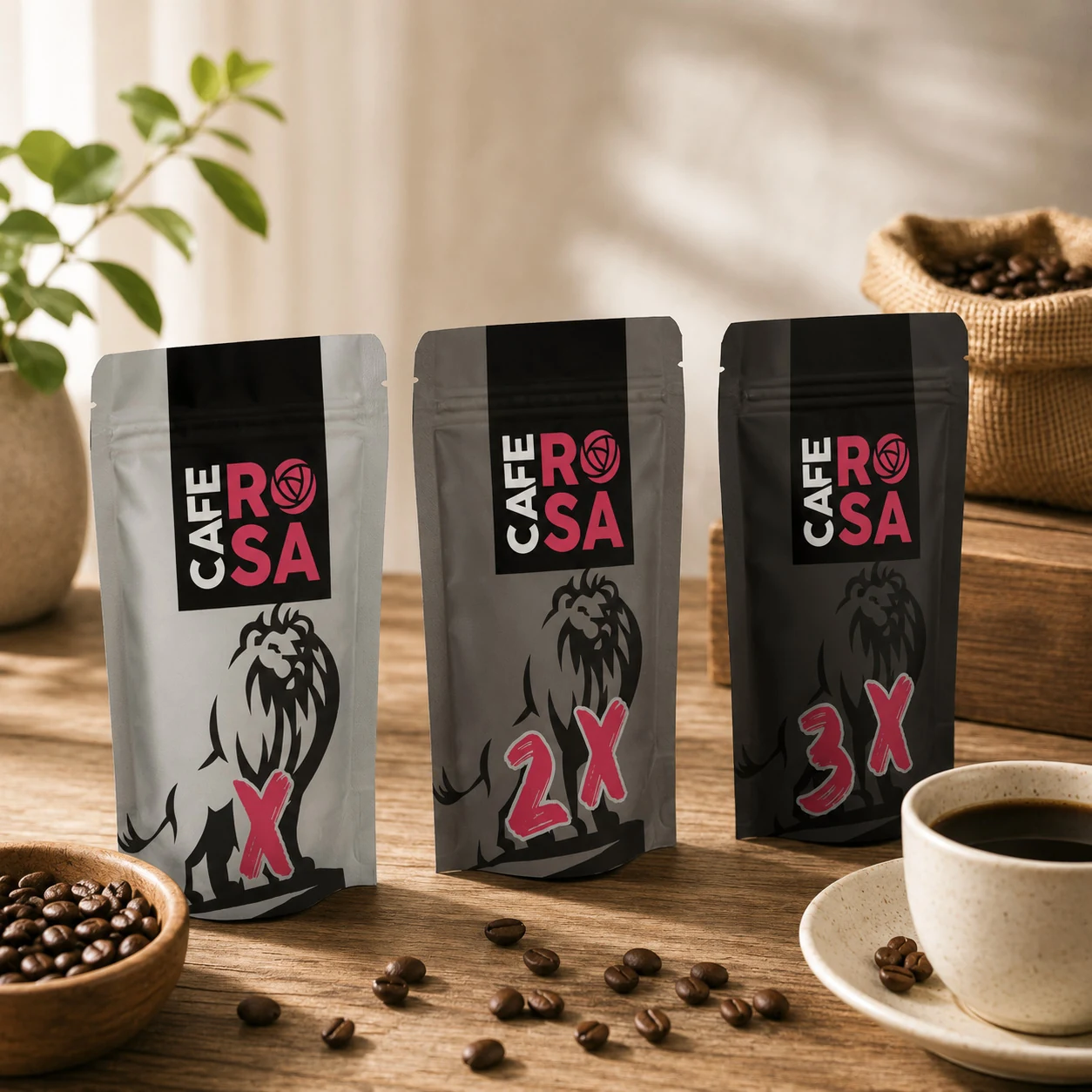
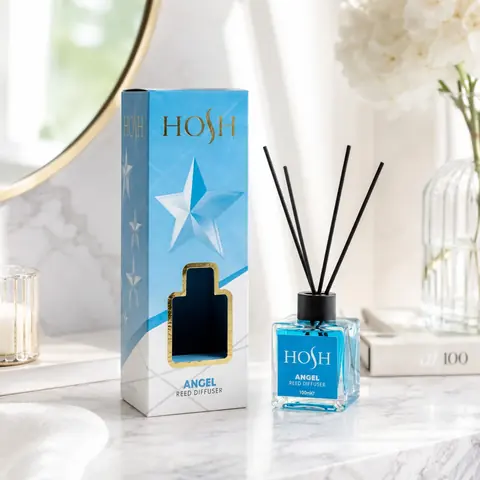
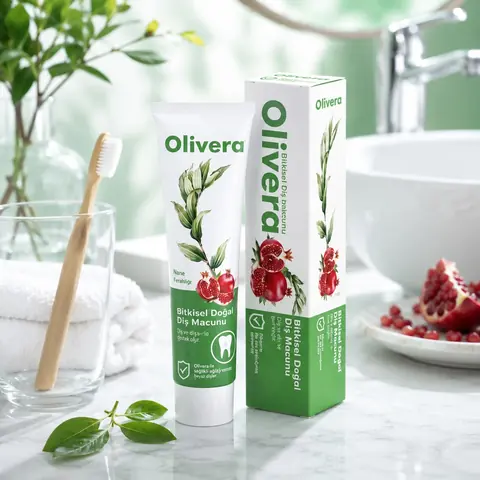
The coffee pouch range illustrates variant recognition on flexible packaging. Use it to discuss front views, seal areas and range compositions. The home fragrance bottle and box offers a different problem: keeping two pack formats visually related. The toothpaste tube and carton shows how a curved surface and a flat panel can carry one identity.
Each case includes format-specific notes and questions for a new project. These are portfolio examples, not measured sales or manufacturing-performance claims.
What to send before modelling begins
- Existing CAD or 3D files, including the file format and any missing components.
- Confirmed dimensions and reference photographs when a usable model is unavailable.
- Current packaging artwork, label dimensions and the supplier dieline where relevant.
- Material references for glass, plastic, metal, paper, liquid and any surface finish.
- Product count, variant list, required camera views and intended use channels.
- Required dimensions in pixels, background preferences and target delivery date.
We first assess whether the supplied model can be used or needs preparation. A drawing without depth information may leave shape decisions unresolved. A material name such as “gold” does not define one exact appearance; reference images or samples help establish the intended finish.
A review process with clear approval points
1. Confirm the shape and scope
Agree the pack geometry, number of variants, cameras and outputs. Resolve missing dimensions before detailed surface work. List modelling, artwork correction and animation separately when they are required.
2. Review materials and lighting
Use preview renders to compare roughness, transparency, reflections and label placement. A transparent bottle can reveal the back label through the liquid; this needs a different review from a flat opaque carton.
3. Approve composition and information
Check the product name at the intended viewing size, the visibility of the label and whether the camera hides important details. Review a range together so that one variant does not appear larger simply because its camera position changed.
4. Render and hand over the agreed files
Confirm image format, pixel dimensions, background or transparency, crop and filenames. Source scenes, layered editing files, additional angles and alternative video ratios belong in the proposal when needed. They are not automatically part of every image delivery.
What changes the cost of a render project?
The largest scope questions are whether modelling is needed, how many distinct shapes and materials exist, how many views are required and how complex the scene is. A new label on an approved bottle may need less preparation than a new bottle shape, but every version still needs review. Reflective and transparent materials can require more lighting refinement than a simple opaque surface.
For a combined artwork and visualization project, use the packaging design cost guide to separate design work from presentation outputs. Send the scope for a visualization quote rather than treating a packaging-design starting price as a render rate.
Where a render ends and physical approval begins
A render supports a visual decision. It does not prove that a carton will fold correctly, a label will adhere, a material is food-contact suitable or a designed colour will match a screen. Review final dimensions, material performance, production proofs and approved product copy with the appropriate supplier and brand reviewers.
The 3D approval and physical prototype guide explains that division. For final artwork, see final packaging files.
Request a scoped visualization project
Send the product files, SKU count, required views and intended use. If you need moving images, include the action to explain and the target aspect ratios. Request a 3D visualization quote or browse the full portfolio.
Frequently asked questions
Can you work without a CAD model?
Modelling can be scoped from usable dimensions and reference images. Missing or ambiguous geometry must be clarified before the visual is treated as an accurate product representation.
Can one render be used for every sales channel?
One master composition may support several exports, but crop, resolution and background requirements can differ. Agree the destination channels and sizes before rendering.
Can I order visualization without packaging design?
Yes. Visualization can be scoped around existing approved artwork. Artwork changes, new packaging design and artwork development are separate tasks when needed.
Do you provide animation as well as still images?
Product and assembly animation can be scoped separately. It requires an approved sequence, timing, views and agreed delivery formats in addition to the model and materials.
Does a render replace a colour proof or physical prototype?
No. A render supports appearance and presentation review. Physical colour, construction and material performance need the relevant supplier checks.
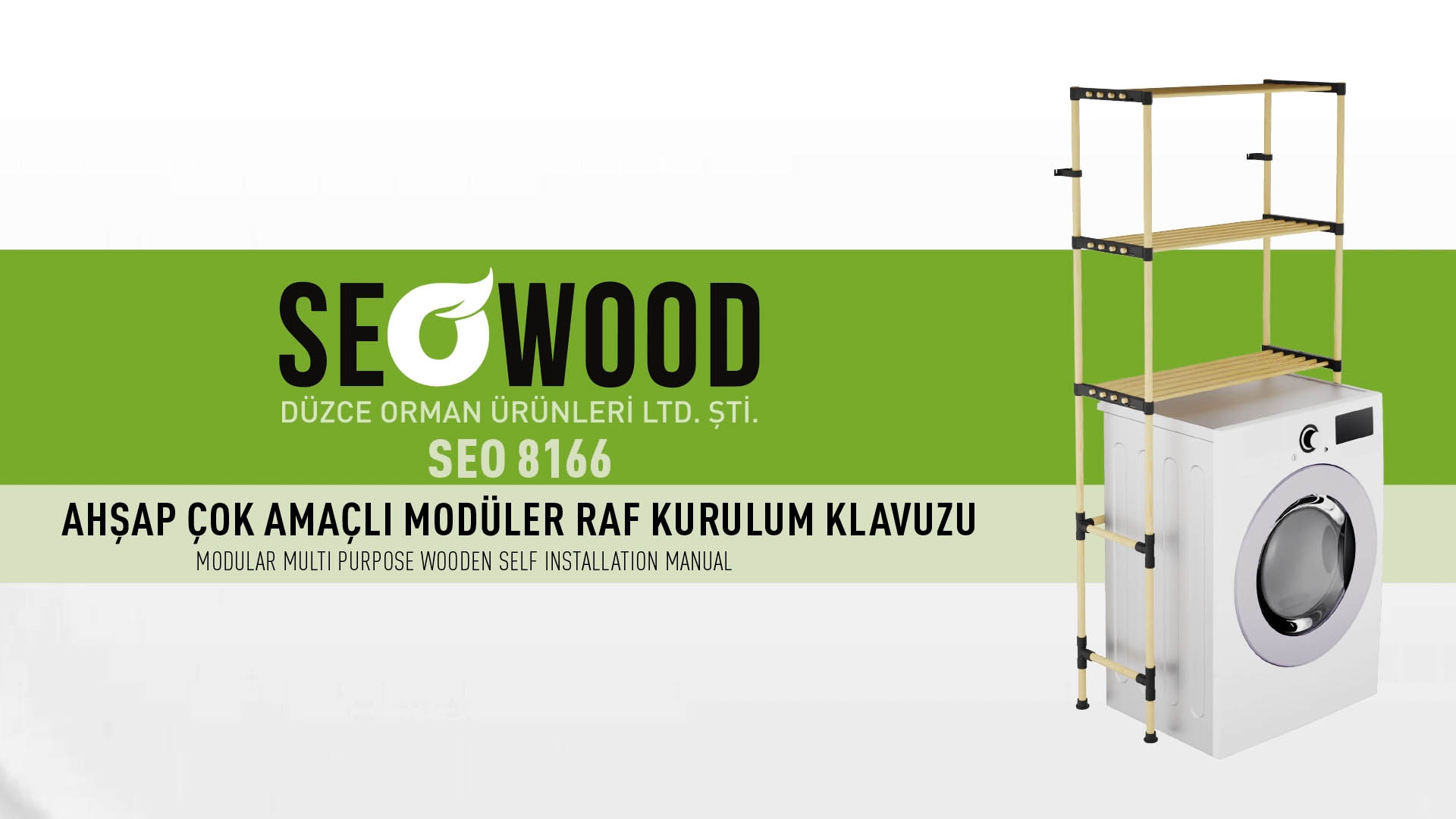
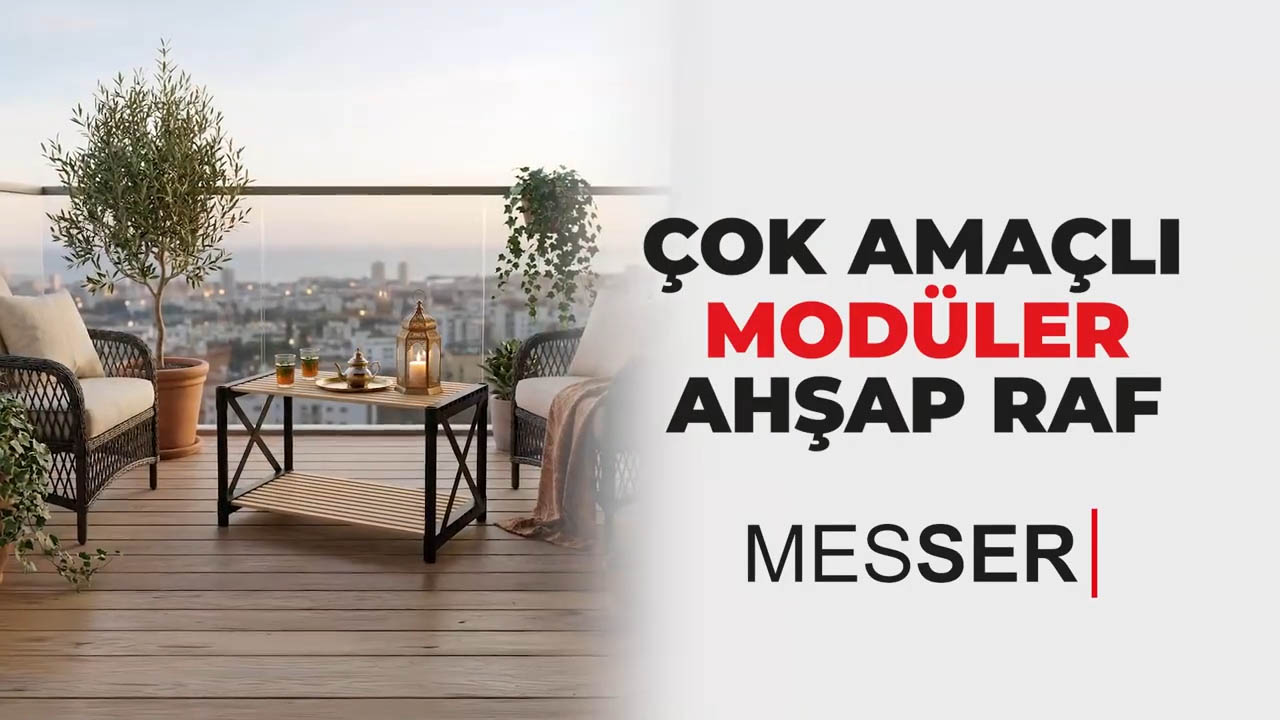
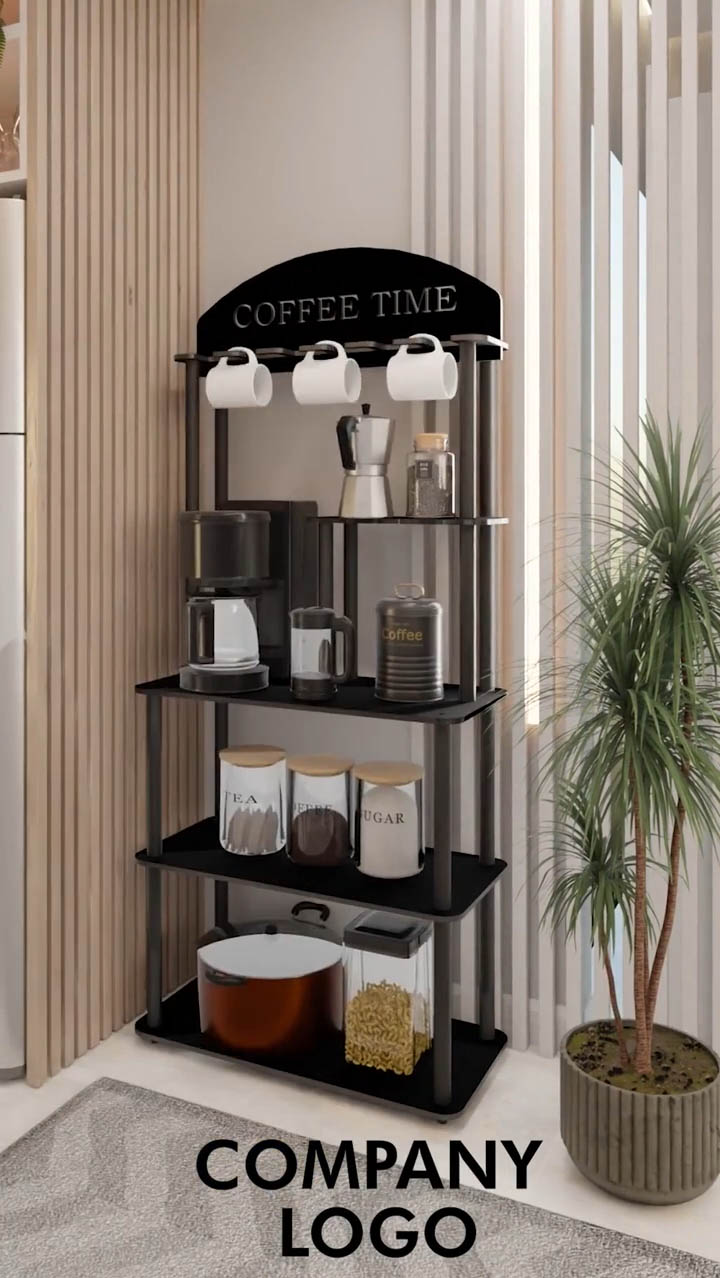
Which furniture assembly videos are shown here?
The examples cover the SEOWOOD 8180 over-toilet shelf, SEOWOOD 8160 modular shelf, Messer wooden organizer, Sakura shelf floor lamp and Cafe Time shelf floor lamp. Each has a dedicated page with a scene summary and related service links.
What language is used in the videos?
The SEOWOOD 8180 example includes Turkish and English on-screen text. The other four supplied videos retain their Turkish on-screen instructions. English pages provide English explanations; translated video text, captions or voiceover can be scoped separately.