How is a 3D assembly animation different from a paper manual or a filmed video?
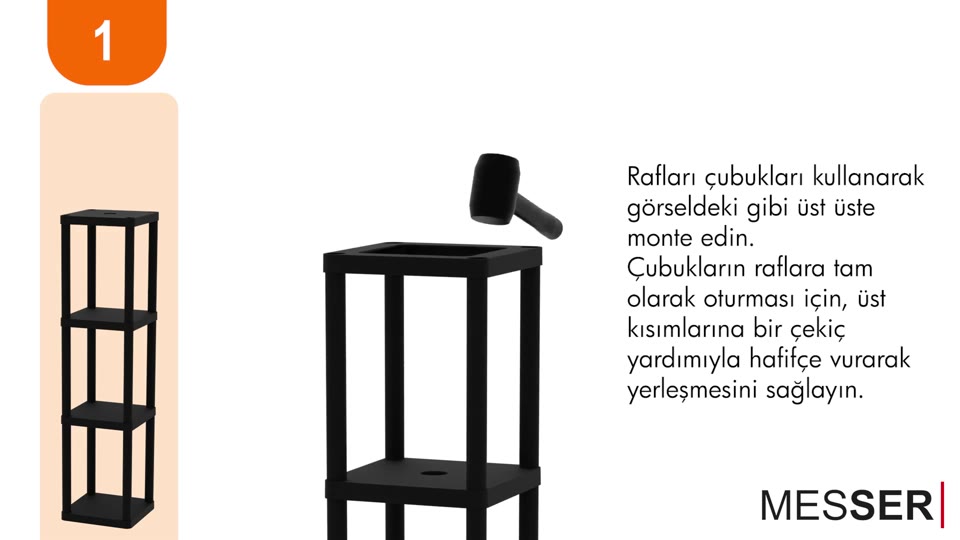
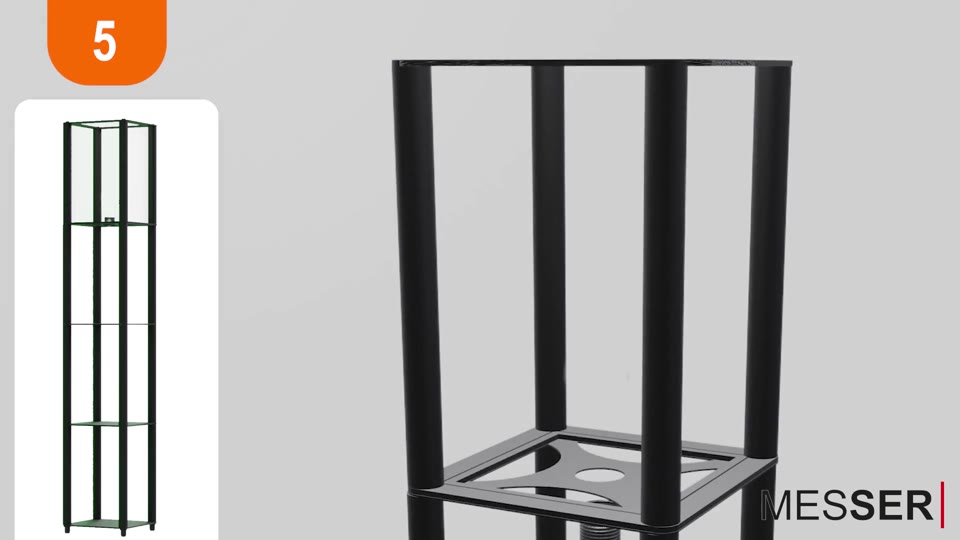
A paper manual shows each step as a still drawing, so the reader has to work out the movement. A filmed video needs a finished product, a set and a presenter, and it cannot show parts hidden inside the product. A 3D assembly animation shows every part, its orientation and the exact order of the steps, and it can isolate or reveal parts that a camera cannot see.
Which products is a 3D assembly animation for?
- Flat-pack furniture
- Shelving units and storage
- Lighting, such as floor lamps
- Display stands
- Appliances and other products with several parts
Shelf and shelving unit assembly videos
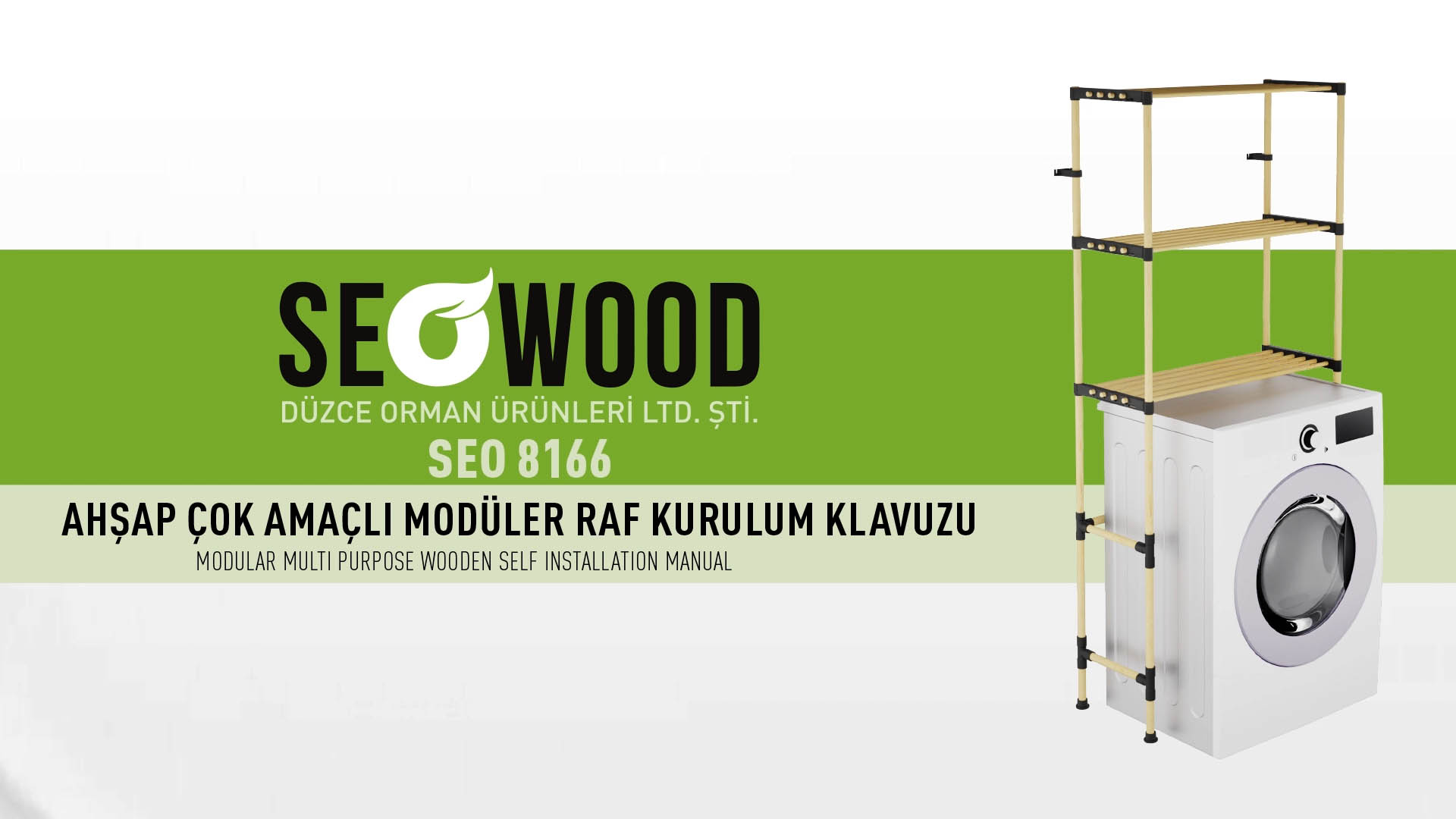
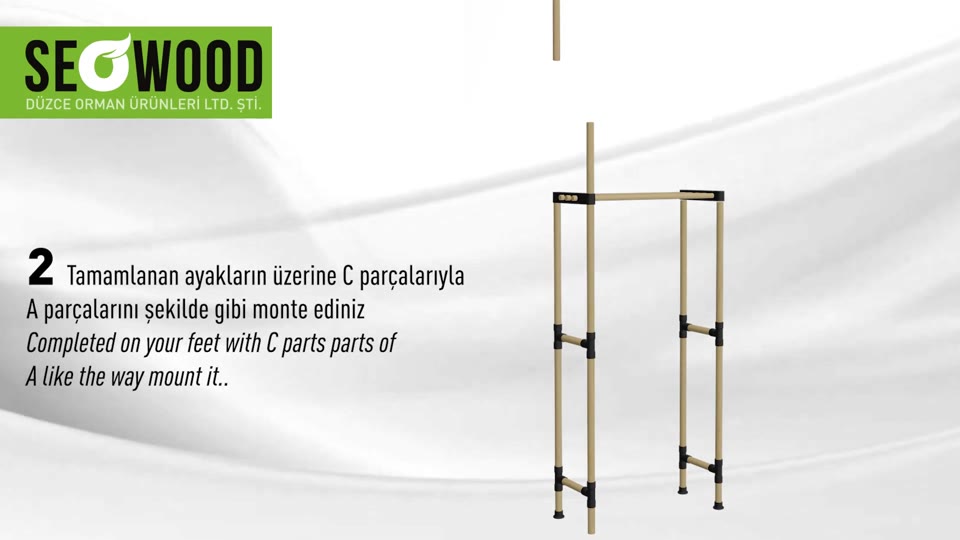
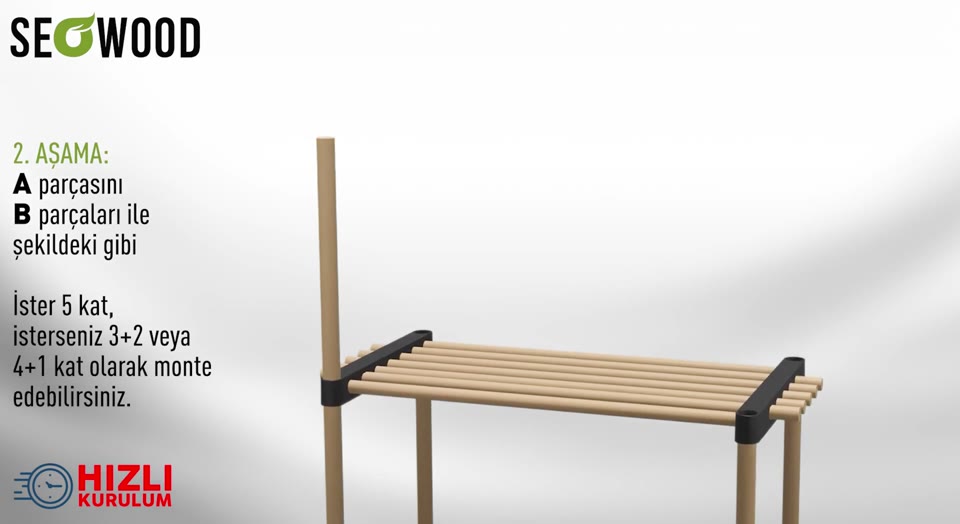
Most of our published work is shelf and shelving unit assembly: part identifiers, upright and shelf connections, fixing steps and the finished unit. Two examples:
More examples: over-toilet shelf assembly animation, shelf floor-lamp assembly video and wooden organizer assembly video.
How does a QR code take the customer from the box to the video?
A QR code printed on the box or in the manual opens the assembly video on the customer’s phone. The code is placed in the packaging or manual artwork; the video itself is hosted on your website or video channel.
Do I need CAD or STEP files?
No. CAD or STEP files make modelling faster, but drawings, dimensions and clear reference photos of the parts can also be used. Tell us what you have and we confirm what is missing before production.
Can the video be made in several languages?
Yes. The same animation can carry subtitles or a voice-over in each language you sell in. On-screen text is kept short so it is easy to translate.