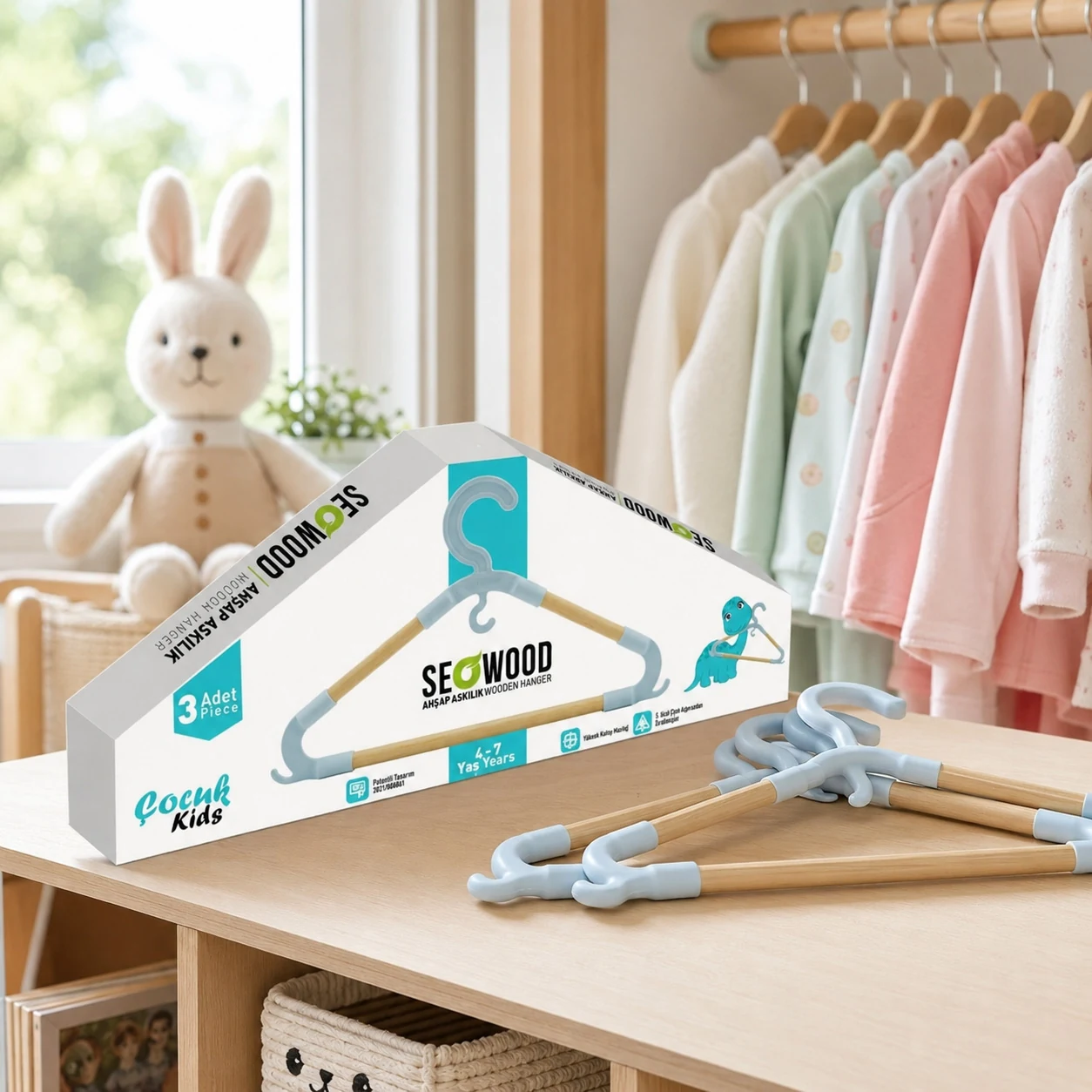
Explaining the product on a children's hanger box
For a wooden children's hanger set, shoppers want to see shape, quantity and age group without opening the box. The product drawing on the front is close to real proportion and quantity and age are highlighted with clear badges.
Children's products need a playful palette that never overpowers the product; wood texture and a calm background emphasise the natural material.
- Front illustration showing the product form
- Quantity and age badges
- Emphasis on the wooden material
Project overview
A playful retail box connects the hanger product shape with clear packaging and shelf presentation.
This portfolio example focuses on product boxes. Use the image to assess the visual direction and the relationship between product format, brand recognition and information hierarchy.
Format-specific design decisions
Separate product quantity, size and use on the pack. Any display window must be assessed alongside structural support and information space.
The layout needs to work both on the physical pack and in a small product image. Review the product name first, then the variant and supporting information. A production review should use the actual dimensions rather than the enlarged screen view alone.
From the visual to final artwork
For a similar project, start with the supplier-approved template, pack dimensions, SKU list and approved product copy. Confirm material, artwork process and finishing options with the producer before final artwork. A portfolio render demonstrates appearance; it does not establish manufacturing tolerances or certify product claims.
3D views for this product format
Plan a front view for recognition, an angled view to understand volume and a closer view for label detail. A range composition can compare variants without changing camera and lighting conditions. Additional views and animations should be named in the scope rather than assumed to be included.
Explore 3D product visualization and product boxes design for a project-specific production and presentation workflow.
Guides behind the design decisions
Plan a similar project
Send the pack format, number of variants, target market and available technical files. Include intended image sizes and any launch deadline so that artwork and visualization can be scoped together. Request a quote for your product.
Frequently asked questions
Can a box window be finalised during graphic design?
A visual layout can be proposed, but window dimensions, cutting and box strength require supplier approval using a physical prototype.
What is needed to adapt this approach to a new brand?
Supply the logo, product copy, dimensions or supplier dieline, SKU list and target market. The visual direction is developed for the new brand rather than copied from the portfolio.
Can the product be visualized before it is manufactured?
Yes, if usable dimensions, reference images or a 3D model are available. Material appearance and shape can be reviewed digitally; final manufacturing and colour approval still require the appropriate physical checks.