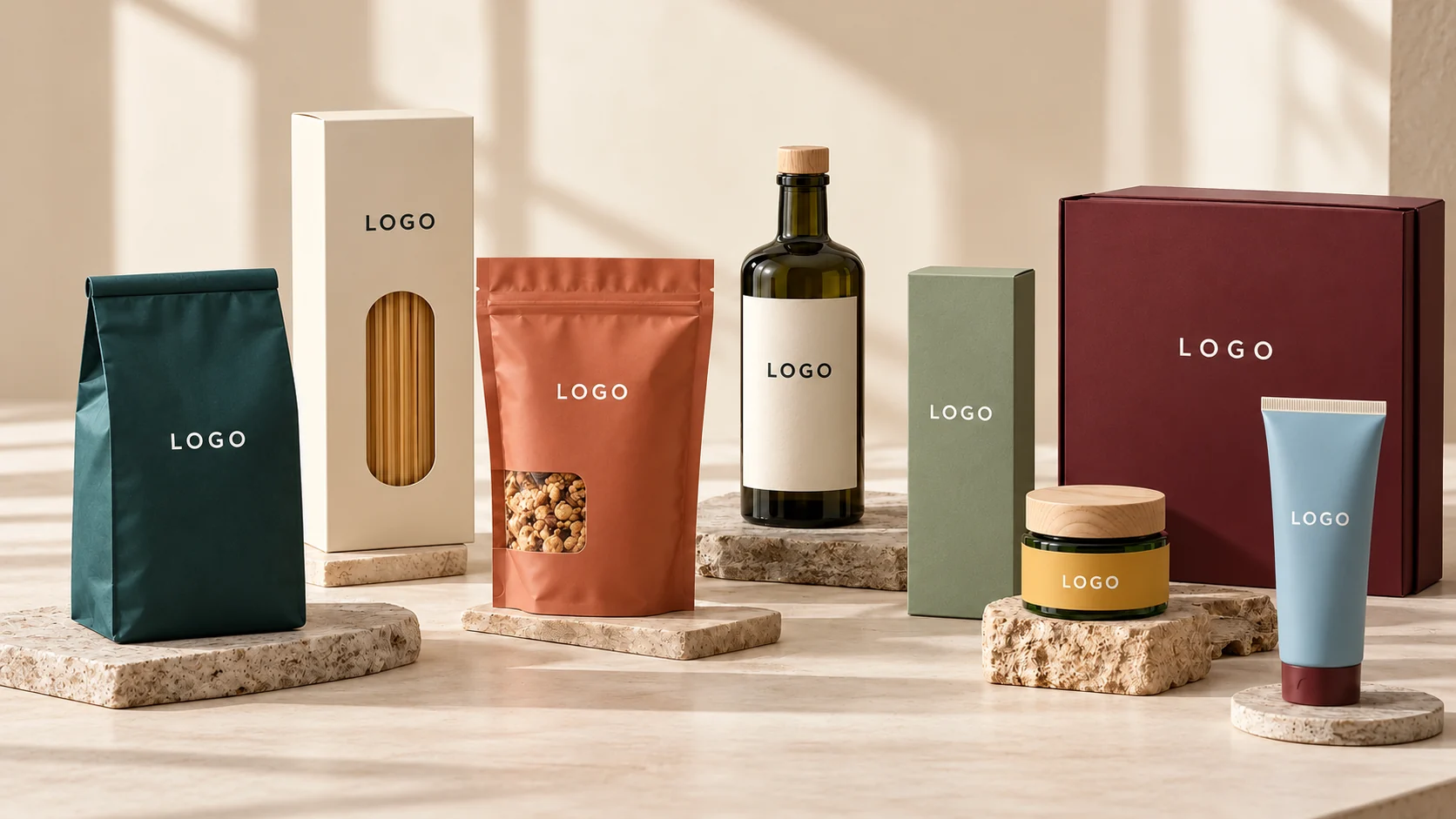
Short answer
Getting private label packaging design for new brands right means creating more than attractive artwork. For new brands using contract manufacturers, package measurements, brand consistency, required product information and print production need to work together. This guide uses examples such as perfume, body mist, cosmetics and food to show a reliable workflow. To approach private label packaging design, measure the usable label area, establish a visual system, verify product copy, preview it on packaging and export files according to your printer’s specifications. The free browser-based Label Studio can help with the design stages; it does not replace regulatory review or a physical print proof.
Step-by-step label design
1. Define the product and sales channel
Identify the customer and sales destination first. Requirements differ across perfume, body mist, cosmetics and food. Decide what should be immediately recognizable: the product name, brand, variant or key verified attribute.
2. Measure the actual packaging
Measure the usable, relatively flat or curved area in millimeters. Exclude seams, caps, corners and areas where adhesion is unreliable. A visually balanced artboard is not a guarantee of proper fit.
3. Build a consistent visual system
Choose a limited color palette and readable title/body typefaces. The core design challenge here is aligning manufacturer specifications with consumer-facing artwork. Keep a consistent system across variants while changing only the information needed to distinguish them.
4. Customize the template
Remove placeholder ingredients, sample addresses and illustrative badges. Upload your own licensed photos, logos and artwork; add product text supplied or approved by the manufacturer.
5. Check mandatory label details
Ingredients, net content, warnings, responsible business information and identifiers depend on the product type and destination market. Do not assume a design template establishes regulatory compliance.
6. Preview on the real container
Inspect text around curves, edges and closures. Verify legibility at actual size. 3D mockups help visualize a concept but are not equivalent to material sampling or color proofs.
7. Prepare production files
Export the appropriate PDF, image or vector file. Agree on bleed, cut paths, substrates and color conversions with your print provider. Always check a physical test at 100% scale.
Who is this guide for?
This approach is suited to new brands using contract manufacturers. Early-stage businesses can develop a clear first product, while growing brands can extend the same identity across multiple SKUs. Recheck dimensions for every new container instead of assuming one label fits all.
How to make the design distinctive
For perfume, body mist, cosmetics and food, start with attributes that are genuinely specific to the product. Use commercially licensed photography when it strengthens the story, but preserve contrast and readable hierarchy. Never add certification or performance claims that you cannot substantiate.
Common mistake to avoid
A frequent mistake is finalizing ingredient copy before the product formula is approved. Validate decisions with packaging measurements, verified copy and a physical print sample. Attractive digital artwork alone does not confirm production suitability.
Getting started in the free Label Studio
The studio publishes tools for editable templates, PNG/JPG/WEBP/SVG uploads, text layers, barcode and QR codes, nutrition tables, 3D mockups and PDF/PNG/SVG exports. Projects are saved locally in the browser, so use its backup feature to protect your work.
Final checklist before you print
The best results for private label packaging design come from treating the label as part of the real product, not just a graphic. Verify dimensions, information, materials and compliance before final approval, then use a consistent design system across your range.
Start creating your label
Open the Free Online Label Studio
Related guides: Blog hub
Frequently asked questions
Can I design product labels for free?
Yes. Label Studio offers a free browser-based design workflow. Printing, materials and external production checks may incur costs.
Do I need Photoshop?
No. You can begin with templates and basic text/image tools. More complex production projects may still benefit from specialist review.
Can I upload my photos and logo?
Yes. PNG, JPG, WEBP and SVG uploads are supported. Check your artwork resolution and commercial-use rights.
Can I export a PDF?
Yes. PDF output is available, but print requirements including color and cutting should be confirmed with the printer.
Does a barcode image give me a valid product number?
No. Retail product identifiers must be properly assigned, usually through the relevant GS1 organization.
What size should I use for private label packaging design for new brands?
Measure the label-safe area of your actual packaging. Perfume, body mist, cosmetics and food have different usable surfaces, so test at full size.
Can this help with Etsy or Amazon?
Yes, for creating branded product-label artwork. Marketplace policies and national product-label rules must be reviewed separately.
Is a 3D mockup a print proof?
No. A mockup previews appearance; it cannot confirm physical color accuracy, adhesive behavior or die-cut alignment.
This guide is general design information, not legal advice. Labelling rules differ by product and country; check the requirements of your destination market.